Without coding. In the browser. Whithout any setup
Create, train and send AI models to micro:bit, ESP32 and mobile apps.
Solutions that make the difference
AI programming is complex and requires years of experience
No Code Interface - Create AI models simply by clicking, without any line of code
Expensive equipment and complex installation for AI projects
micro:bit, minimal cost & Wireless connection, no cables needed
No quality tutorials available for AI & Robotics beginners
Comprehensive Support - Full tutorials and guides in English
Powerful tools for every level
Explore the world of AI through fun examples and hands-on practice that makes learning easy.
Create models that recognize images, objects, and gestures in real time with accuracy.
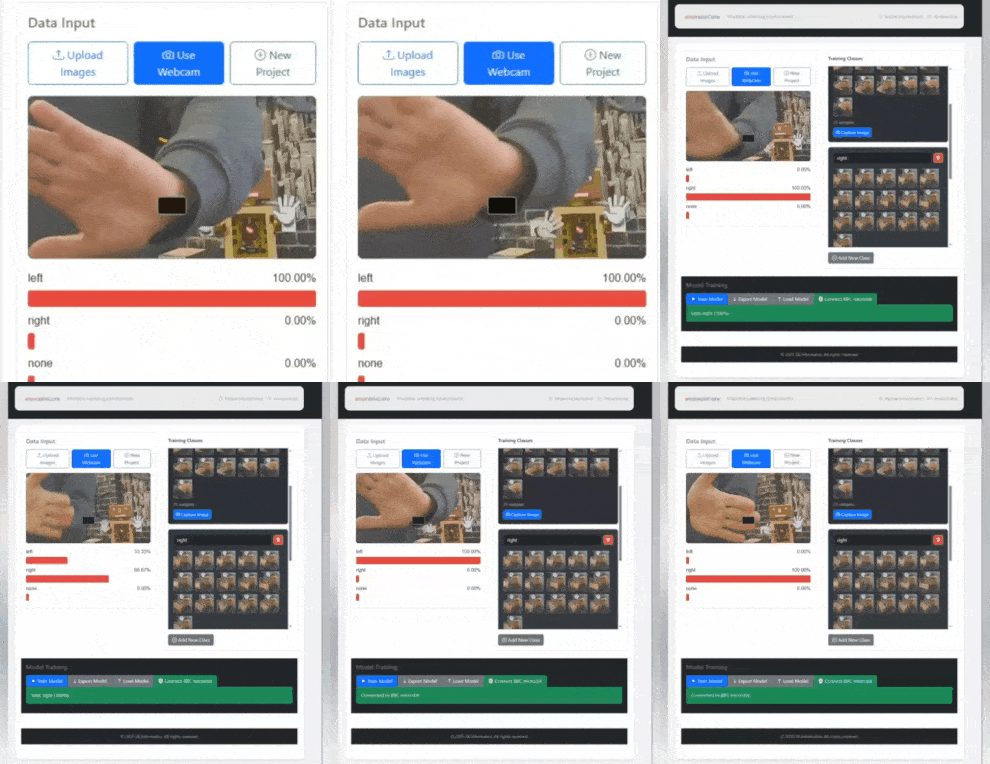
Watch your model learn live. Make changes and test immediately - no waiting!
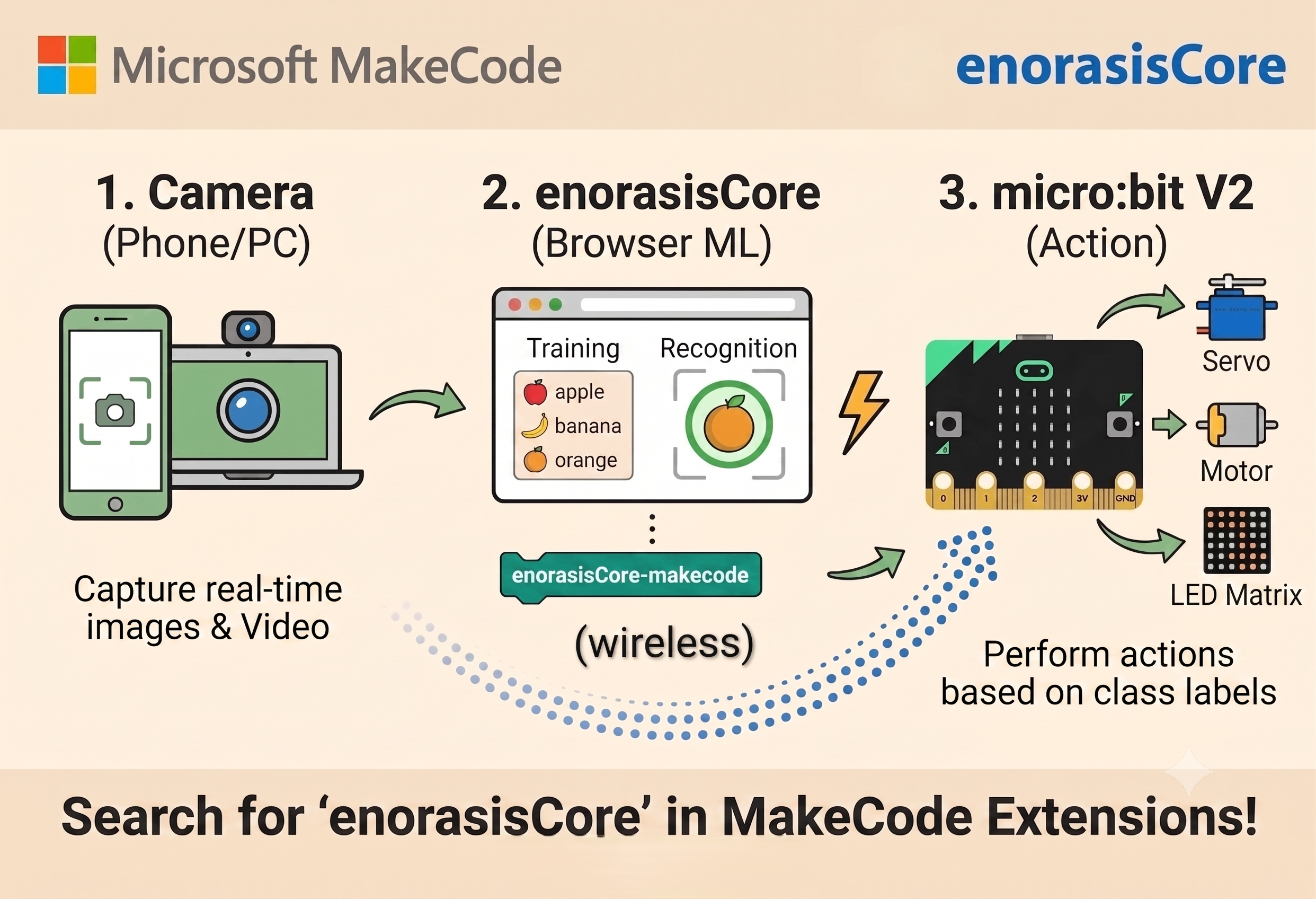
Send AI models wirelessly to micro:bit. Use them in mobile apps with MIT App Inventor. No cables needed.
Work from browser on Windows, Mac, Linux. ML models and photos stay on your device; login and preferences are stored in your browser.
Export models for use on websites, development boards, share with other users.
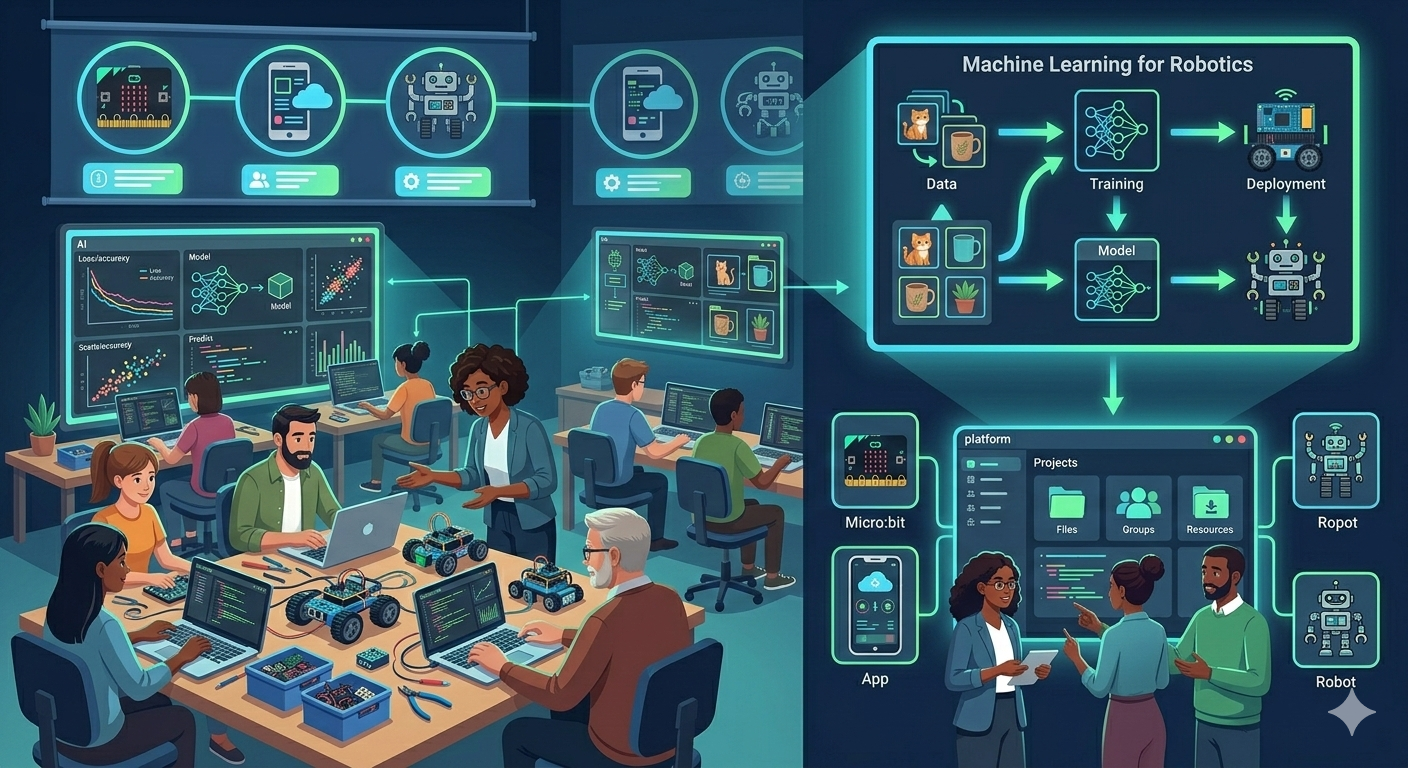
Discover how enorasisCore transforms learning
enorasisCore is the perfect solution to teach artificial intelligence and robotics to your students.
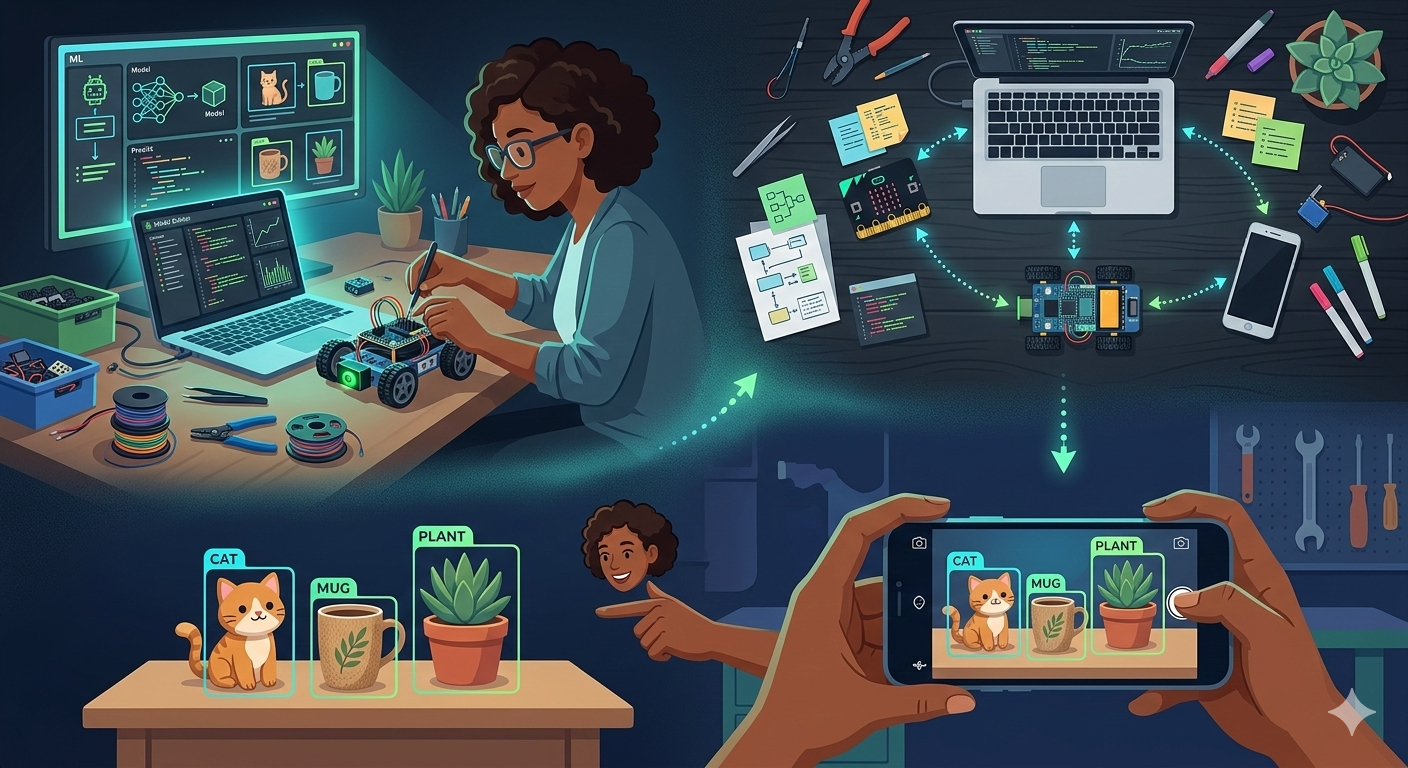
For makers who want to experiment with AI without complex setup.
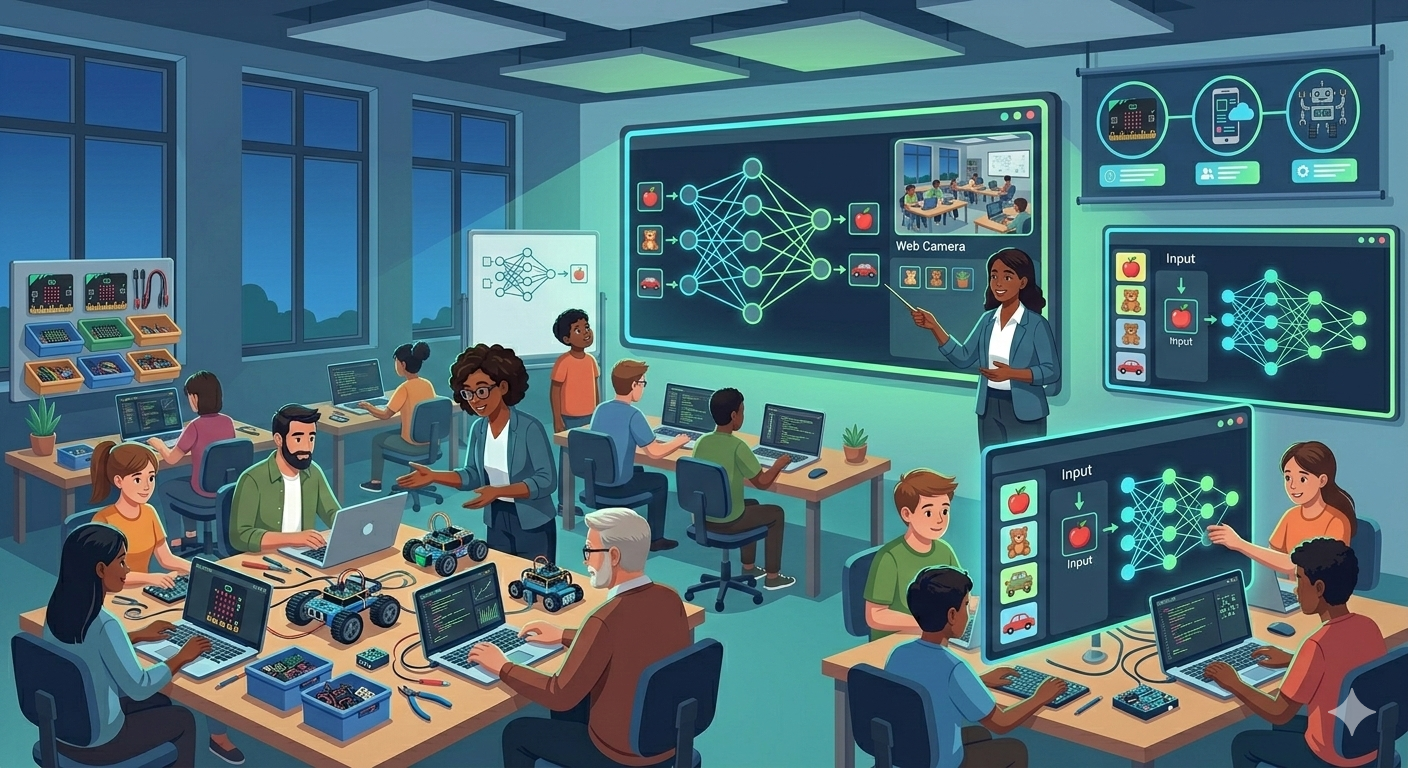
Complete robotics & AI program ready for your classes.
3 simple steps for your first AI model
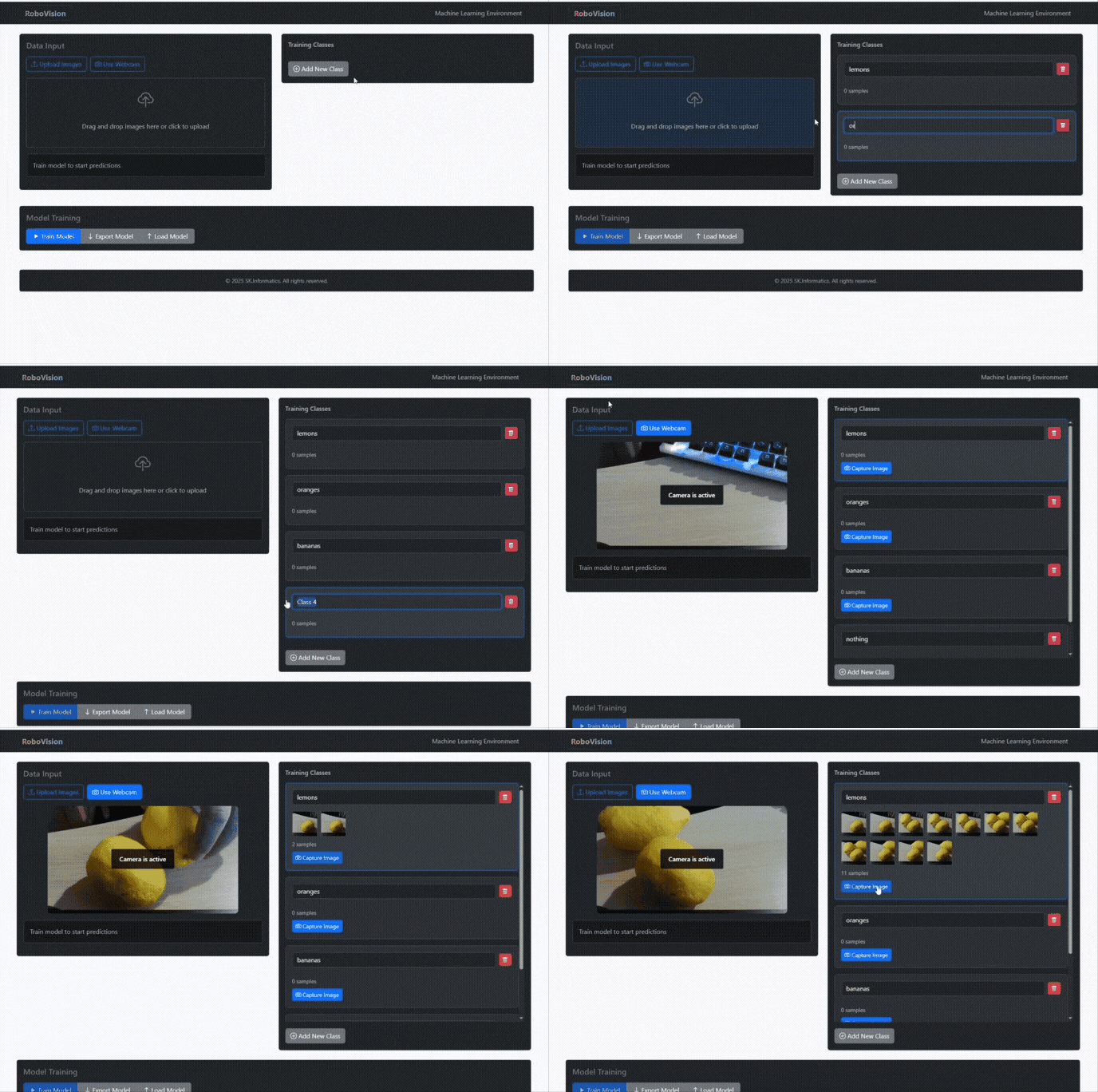
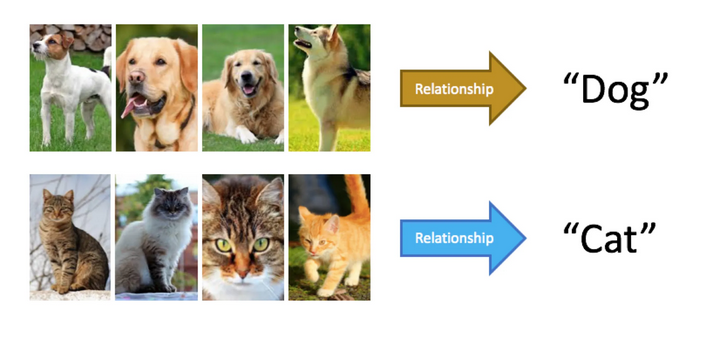
Gather and group your examples into categories that you want the computer to learn.
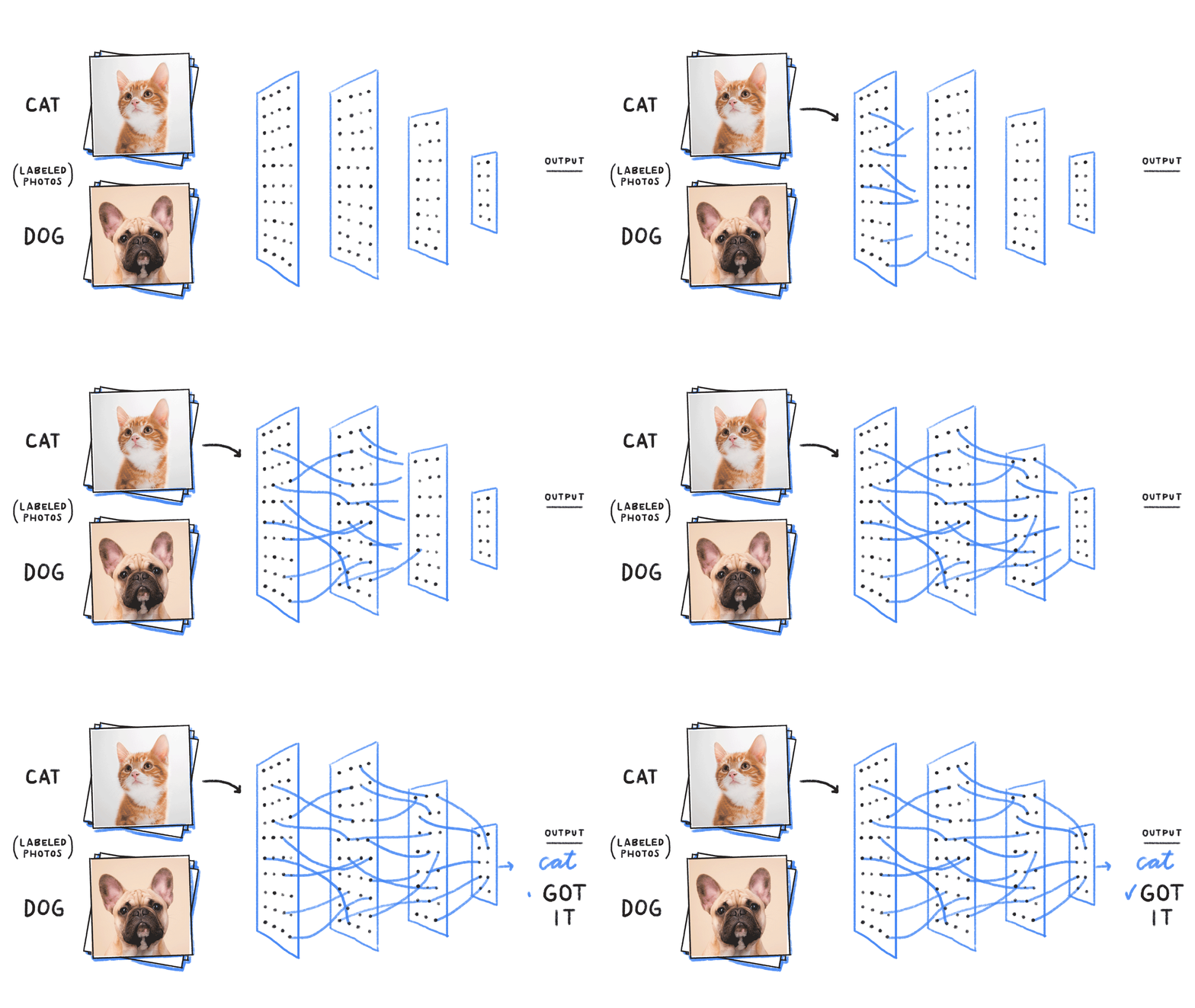
Train your model and test it immediately to see if it recognizes new examples correctly.
Export your model for use on GitHub, websites, micro:bit, MIT App Inventor and other projects.
Powerful tools for computer vision applications
Use enorasisCore together with BBC micro:bit or MIT App Inventor to teach your students Artificial Intelligence, building autonomous robots and smart mobile applications.
Start Now
Program with blocks — deploy to micro:bit in minutes.
enorasisCore sends live camera predictions to your board over BLE. You build the logic with drag-and-drop blocks in MakeCode — no installs, no complex setup.
Learn step-by-step how to create AI projects
Learn how to control a servomotor with color recognition via micro:bit
Start Tutorial →
Control the Robo1 robot with artificial intelligence via Bluetooth
Start Tutorial →
Integrate your model into an Android app with MIT App Inventor
Start Tutorial →Everything you want to know
Create your first artificial intelligence model today!
Start Now - Free for 30 DaysIf you are an educator or head of an educational organization and are interested in using enorasisCore in the educational process, contact us.
Specially designed courses and workshops to introduce students to artificial intelligence.
Access to educational materials, lesson plans, and activities for the classroom.
Special packages and discounts for educational institutions, schools, and universities.
Wireless Connection with Robots
See how the platform sends wireless data and AI models to robots, without cables!
The GIF/video will show the platform sending wireless data and AI models to robots with micro:bit
Select your preferred language